Free Meme Generator – Create Funny Memes Online
🖼️ Free Meme Generator
Free Meme Generator — Create Funny Memes Online
Tanya needed a quick birthday meme for her friend. She wanted bold white text, a black outline, and perfect centering on a photo she’d taken. Ten minutes later she had a meme everyone loved. That’s what a good meme generator does: it removes the friction between a spark of humor and a shareable image.
What is this
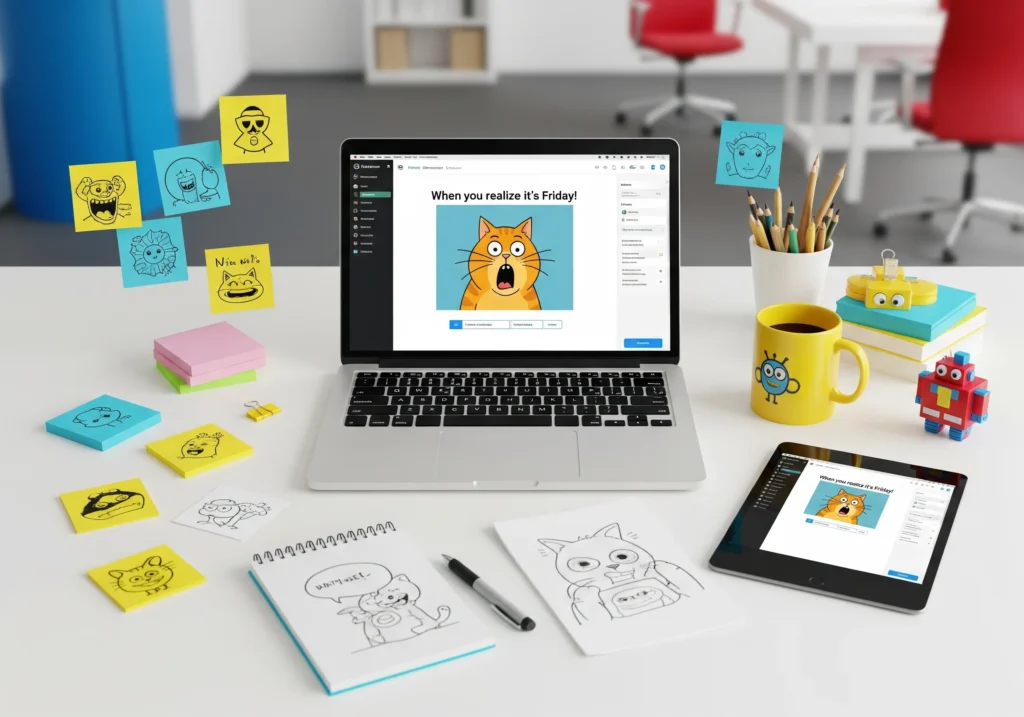
The Free Meme Generator is a small web app (usually built with HTML5 Canvas) that combines an image with user-supplied text overlays. Typical inputs:
- Top Text — the line that appears at the top of the image.
- Bottom Text — the punchline at the bottom.
- Text Color — choose text hue (white, black, colored).
- Font Size — manual or auto-fit option.
- Upload Your Own Image (Optional) — use your own photo or a blank canvas / template.
- Generate Image button produces a single image file ready to download or share.
The “formula”
Below are practical, repeatable rules used by good meme tools and designers:
1. Font & style
- Default font for traditional memes: Impact (uppercase), bold.
- Fill color: usually white.
- Stroke (outline): black stroke for readability.
2. Font sizing (auto-fit formula)
Auto font size is based on image width:
fontSize_px = imageWidth_px × 0.07
(About 6–8% of image width is a good starting point; smaller for long text.)
3. Stroke width (outline thickness)
strokeWidth_px = fontSize_px × 0.08
(≈8% of font size keeps text legible when scaled.)
4. Text wrapping and max characters per line
Measure text width with measureText() and split into lines so that:
maxLineWidth_px = imageWidth_px × 0.92 // keep 4% margin each side
5. Vertical placement (safe zones)
- Top text baseline = imageHeight_px × 0.06 (6% from top)
- Bottom text baseline = imageHeight_px × 0.94 (6% from bottom)
These margins prevent text getting clipped on small screens or in thumbnails.
6. Contrast auto-choice (color accessibility)
Compute relative luminance:
L = 0.299*R + 0.587*G + 0.114*B
If L < 128 → use white text with black stroke; else use black text with white stroke. (Simple and effective.)
How the generator works
User steps
- Choose or upload an image (JPG/PNG).
- Type the Top Text and Bottom Text.
- Choose Text Color and adjust Font Size (or keep auto-fit).
- Click Generate Image.
- Download or share the final meme image.