Time Zone Converter Calculator
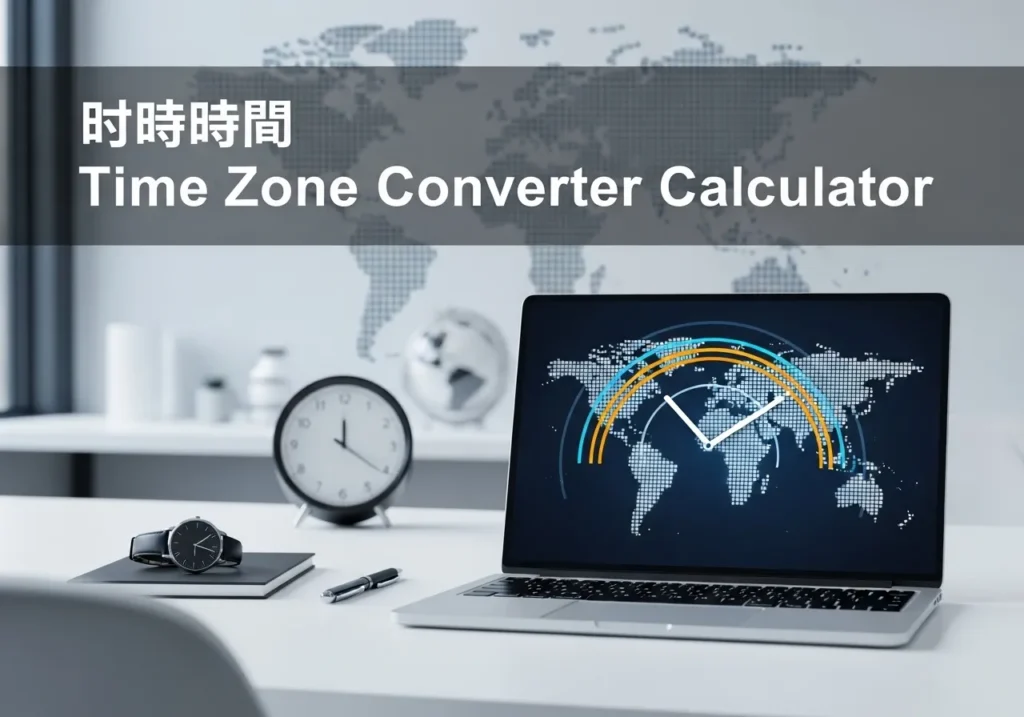
Time Zone Converter
Easily convert between different time zones. Select your date, time, and zones to see the converted time instantly.
Converted Time
Please select a time and time zones to see the result.
Time Zone Converter Calculator – Convert Time Across the World
In today’s global world, scheduling meetings, calls, or events across different countries can be confusing. Time zones differ, and keeping track of local time in another country can be challenging. A Time Zone Converter Calculator simplifies this process by instantly converting the time from one time zone to another.
Why Use a Time Zone Converter?
- Global Communication: Easily plan meetings with colleagues in different countries.
- Travel: Avoid missing flights or appointments due to time differences.
- Event Planning: Schedule webinars, online classes, or virtual events for international participants.
- Education: Students and teachers can align schedules for online courses worldwide.
How Time Zone Conversion Works
Time zones are regions on Earth that have the same standard time. Each time zone is offset from Coordinated Universal Time (UTC) by a certain number of hours, either positive or negative.
Formula:
Local Time (Target) = Local Time (Source) + (UTC Offset Target – UTC Offset Source)
Step-by-Step Example 1: Convert Time Across Time Zones
Problem: You are in New York (UTC-5) and want to call a friend in London (UTC+0) at 3:00 PM New York time.
Step 1: Identify UTC offsets: New York = -5, London = 0.
Step 2: Apply the formula: Target Time = 15:00 + (0 – (-5)) = 15:00 + 5 = 20:00 (8:00 PM) London time.
Solution: A 3:00 PM call in New York corresponds to 8:00 PM in London.
Step-by-Step Example 2: Convert Time to a Time Zone Behind
Problem: You are in Tokyo (UTC+9) and want to schedule a call with a colleague in Los Angeles (UTC-8) at 10:00 AM Tokyo time.
Step 1: Identify UTC offsets: Tokyo = +9, Los Angeles = -8.
Step 2: Apply the formula: Target Time = 10:00 + (-8 – 9) = 10:00 – 17 = 17:00 (5:00 PM previous day) Los Angeles time.
Solution: 10:00 AM in Tokyo corresponds to 5:00 PM (previous day) in Los Angeles.
How the Time Zone Converter Calculator Works
- Select your source time zone and enter the local time.
- Select the target time zone you want to convert to.
- The calculator applies the UTC offsets and adjusts for the difference.
- Instantly get the corresponding time in the target time zone, including date adjustments if crossing midnight.
FAQs – Time Zone Converter
1. What is a time zone?
A region on Earth with the same standard time, typically defined as an offset from UTC.
2. Why do time zones differ?
Time zones differ to align local time with the position of the sun, usually in 15° longitude intervals.
3. Can the calculator handle daylight saving time?
Yes, advanced converters include DST adjustments automatically.
4. Does it work for past or future dates?
Yes, you can convert times for any date, including historical or upcoming events.
5. Can I convert multiple time zones at once?
Some converters allow bulk conversion for multiple cities or countries simultaneously.
6. Is this suitable for travel planning?
Absolutely, it helps prevent missed flights and appointments by showing correct local time.
7. How do I calculate time manually?
Identify UTC offsets, subtract or add the difference, and adjust the time accordingly.
8. Can it convert between 12-hour and 24-hour formats?
Yes, most calculators provide both options for convenience.
9. Is the calculator free to use?
Yes, it’s free and works on any modern browser.
10. Can I use it for international meetings?
Yes, it is perfect for scheduling meetings across multiple countries and time zones.